Small footprint.
Many ways to work.
Corney is a split keyboard you can make your own: choose low-profile Choc or MX, add pointing on either half, and connect directly over Bluetooth or through a USB dongle.
Firmware guides available · public release pending acceptance
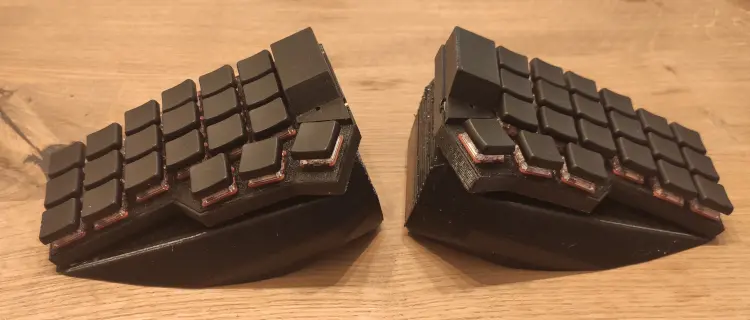 01 / Choc build
One keyboard. Two topologies.
The firmware changes according to which controller is in charge. Pick your path first; the guide then shows exactly which image belongs on each device.
Direct Bluetooth
The left half is the central. Pair the keyboard directly with your computer; the right half joins over the split link.
See the two firmware images PATH / 02USB Dongle
Both halves connect to a dedicated central. The dongle sends keyboard and pointer reports over USB and drives an OLED status screen.
See the three firmware imagesMake space for your setup.
The keyboard stays compact while the hardware options cover different switches, enclosures and pointing preferences.
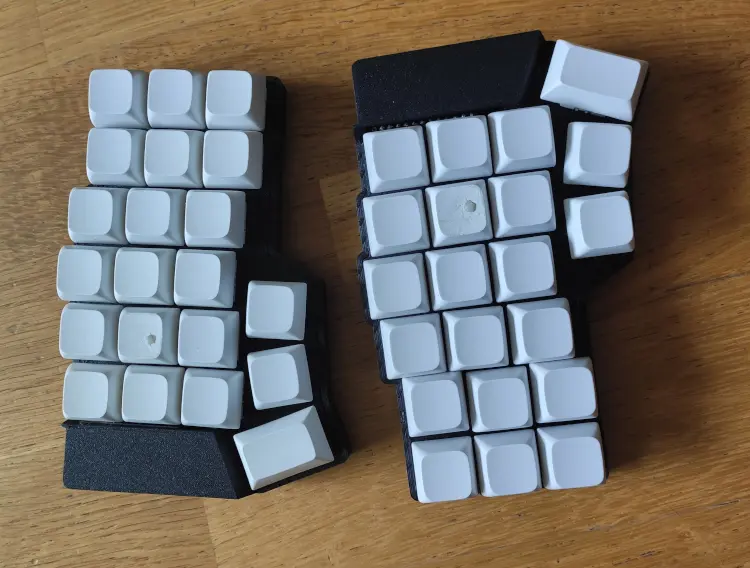
Choc or MX
Repository-owned printable case sources cover both low-profile Choc and MX builds.
Trackpad on either half
Optional Cirque Pinnacle on either half. Install one, both, or neither; the supported firmware stays the same.
OLED on the dongle
Output and battery values keep their familiar positions. The bottom row shows the full active layer name, scrolling when it needs more room.
See the layout
as you type.
Keyboard Helper is a separate app for visualizing keyboard layouts. Corney's central firmware also exposes compatible read-only layer and key telemetry.
Visit Keyboard Helper ↗